Presentation Next Week? Rehearse It in Seven Short Sessions
Prepare a short talk with seven 20-minute rehearsal sessions. Use a worked timing example, cut excess material, ask for useful feedback, and check the delivery setup.
Table of Contents
If your presentation is next week, reserve time to speak it aloud before spending another evening polishing slides. Make one complete timed attempt, find the section that runs long or loses the point, and give the next session a specific repair. A finished deck does not tell you whether the talk fits its slot.
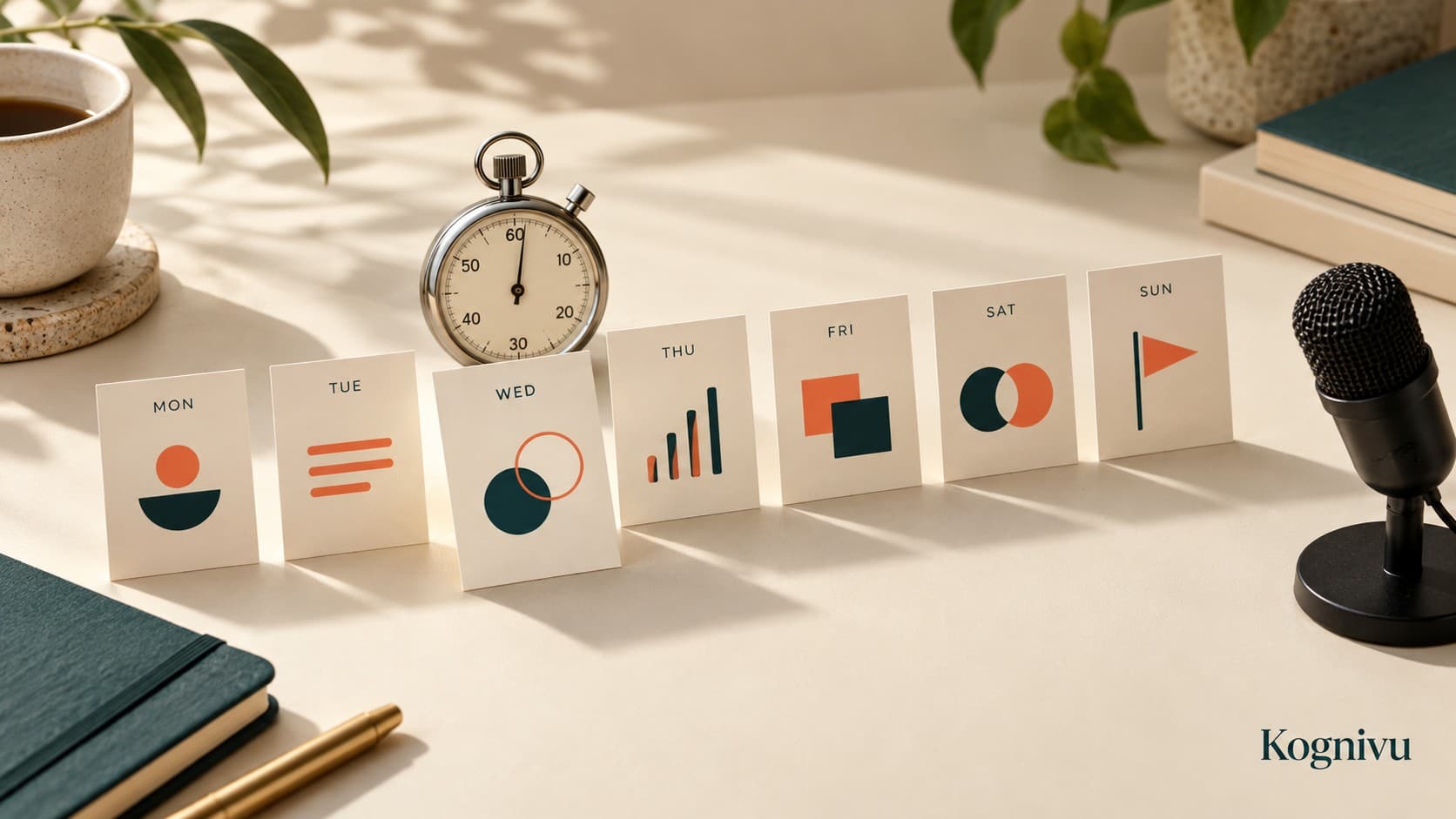
For a short presentation with a usable draft, seven 20-minute sessions can give you a practical rehearsal plan: establish the message, time the whole talk, cut material, repair a difficult section, get feedback, check the setup, and make a final attempt. This is a planning example, not a guarantee that every talk can be prepared in 140 minutes. Researching the subject or writing the first draft needs its own time.
Kognivu can turn a dated goal and your available time into a path with daily quests. For this goal, the useful quest has an output you can inspect: a timed recording, a cut list, or a listener's answer. Plan your rehearsal goal in Kognivu, then check that the first quest fits the talk and the sessions you actually have. You rehearse, record, and evaluate the presentation yourself.
Confirm the slot before making a rehearsal schedule
Ask the organizer or instructor how long you can speak, whether questions are included, who will listen, and what the audience needs from the talk. Check the actual assignment or meeting brief. A seven-minute project update and a seven-minute pitch can require different evidence and endings.
Write a finish condition you can test:
I can deliver the project update within seven minutes, explain the proposed next step, show the evidence behind it, and open the right file on the meeting setup.
Suppose the seven minutes are speaking time and questions come afterward. For this example, plan a six-minute core talk and leave one minute unallocated. That margin is a design choice for this particular slot, not a universal speaking rule. If questions must fit inside seven minutes, shorten the talk further after confirming the arrangement.
Time the message, example, and decision
Imagine your update asks a team to try a revised handoff process for one week. The audience needs to understand the current problem, the evidence you have, the proposed change, and the decision you need.
Start with this illustrative budget:
| Section | Planned speaking time | What the audience needs |
|---|---|---|
| Opening | 45 seconds | The problem and the decision requested |
| Current process and evidence | 90 seconds | What you observed and its limits |
| One worked handoff example | 120 seconds | How the proposed change would work |
| Proposed next step | 75 seconds | Who would try it, when, and what to check |
| Closing | 30 seconds | A clear restatement of the request |
The sections total 360 seconds, or six minutes. You have 60 seconds of margin in the seven-minute slot. These are proposed timings for a fictional talk; measure your own version rather than trying to force every topic into this shape.
Now make a complete attempt with a timer. Keep speaking through small mistakes so you can find the actual duration. Note the section boundaries and write down where the main point becomes unclear.
If the example takes three minutes instead of two, the talk has used the entire margin. Cut or simplify something before assuming you can speak faster. Check whether the audience still has the evidence needed for the decision. Moving a detail into a backup note is different from removing an essential caveat.
Toastmasters' preparation guidance recommends a clear sequence, rehearsal with a timer, and familiarity with the speaking setting. Those checks are more useful here than counting slide edits as practice.
Give each of the seven sessions a visible output
Place these blocks relative to the presentation date; they do not have to run Monday through Sunday. The table assumes you already have a draft and can protect 20 minutes per block.
| Session | Work within the block | Save or inspect before stopping |
|---|---|---|
| 1 | Confirm the slot; write the audience's question and your intended answer | A one-sentence message and a section budget |
| 2 | Deliver the whole draft aloud; note times; review one unclear section | The total duration and a short cut list |
| 3 | Remove or simplify the excess material; make another timed attempt | A revised draft with its measured duration |
| 4 | Practise the difficult transition or explanation; then try the whole talk | A recording or notes showing whether the repair works in context |
| 5 | Give the talk to a listener, or record it without stopping | The listener's answer to one focused question, or your own review notes |
| 6 | Check the delivery setup and practise using it | A working file, readable visuals, and a simple backup |
| 7 | Make a final timed attempt; check the opening and closing | The version you will use and the first action on arrival |
One six-minute attempt leaves 14 minutes in a 20-minute block for setup, a small correction, and review. Two six-minute attempts leave eight minutes. If the talk is longer or setup consumes the block, split the task or reserve more time; do not hide extra work inside the estimate.
Keep the rehearsal log short:
Attempt: Session 3
Total speaking time: 6:35
Problem: The example includes two optional cases and obscures the proposal.
Next change: Keep one case; put the second in backup notes.
Next check: Can a listener explain the proposed next step?
These numbers are fictional. The log is useful because it connects the next practice task to an observed problem. If you need help turning that problem into a small action, the goal-to-task guide covers task scope. The work-plan example helps you fit the actions into real sessions.
Ask for feedback you can act on
After the rehearsal, ask a listener: "What decision do you think I am asking for, and what evidence supports it?" Let them answer before explaining what you meant. If their answer differs from yours, inspect the wording or sequence that led them there.
A second useful question is: "Where did you need more context?" That can expose a missing definition or an unexplained jump. "Was it good?" gives you less to repair.
If no listener is available, record the talk and review the same questions. Your own review has limits because you already know the subject; use it to find observable issues such as running over time, skipped explanations, or an ending that omits the request. Do not treat a recording as proof that the audience will understand.
MIT OpenCourseWare's oral-presentation instructions distinguish presenting from reading a paper and suggest timed rehearsals with friends. Its ten-minute cutoff belongs to that course; follow the limit for your own presentation.
Keep delivery checks and rehearsal when a block is lost
If you miss a session, inspect what remains. Keep at least a complete timed attempt, the correction of a material problem, and the delivery check. Remove an optional polish task before squeezing every missed block into the night before the talk.
For the setup check, use the actual room or call arrangement when available. Confirm the file opens, visuals are readable, and you know how to move between sections. Keep a backup appropriate to the venue, such as a local copy or a short outline. Avoid putting confidential material in an unapproved recording or sharing service.
In Kognivu, you can review progress, edit your goal or schedule, and ask Coach for help. Missed work is not automatically rescheduled. When the available time changes, inspect the revised tasks and protect the checks that the presentation still needs.
The final rehearsal is evidence about that attempt: its duration, its clarity to the listener you asked, and whether the setup worked. It does not guarantee a perfect delivery. Keep the next action concrete: open the saved version, check the timer, and say the opening aloud.
Build my presentation-rehearsal goal in Kognivu with the real deadline, your current draft, and the time available. Review the generated path and first quest before deciding on ongoing use. The free preview includes one generated path, three generated quest completions, and five Coach messages, with no card required; ongoing use requires a paid plan.
Written by
Ilia Sorokin
Expert in Learning & Career and deterministic planning systems. Building tools to bridge the gap between ambitious goals and daily execution.
Kognivu editorial team
Next step
Need product path, not just theory?
Use Kognivu as a daily planner for goals when a normal to-do list is not enough. Build momentum with pre-decided quests and measurable execution.
Explore Daily Planner for Goals That Need Real Follow-ThroughContinue Reading
More from Learning & Career